

Accelerate test with Nominal
Nominal is the leading test platform for teams developing advanced hardware.
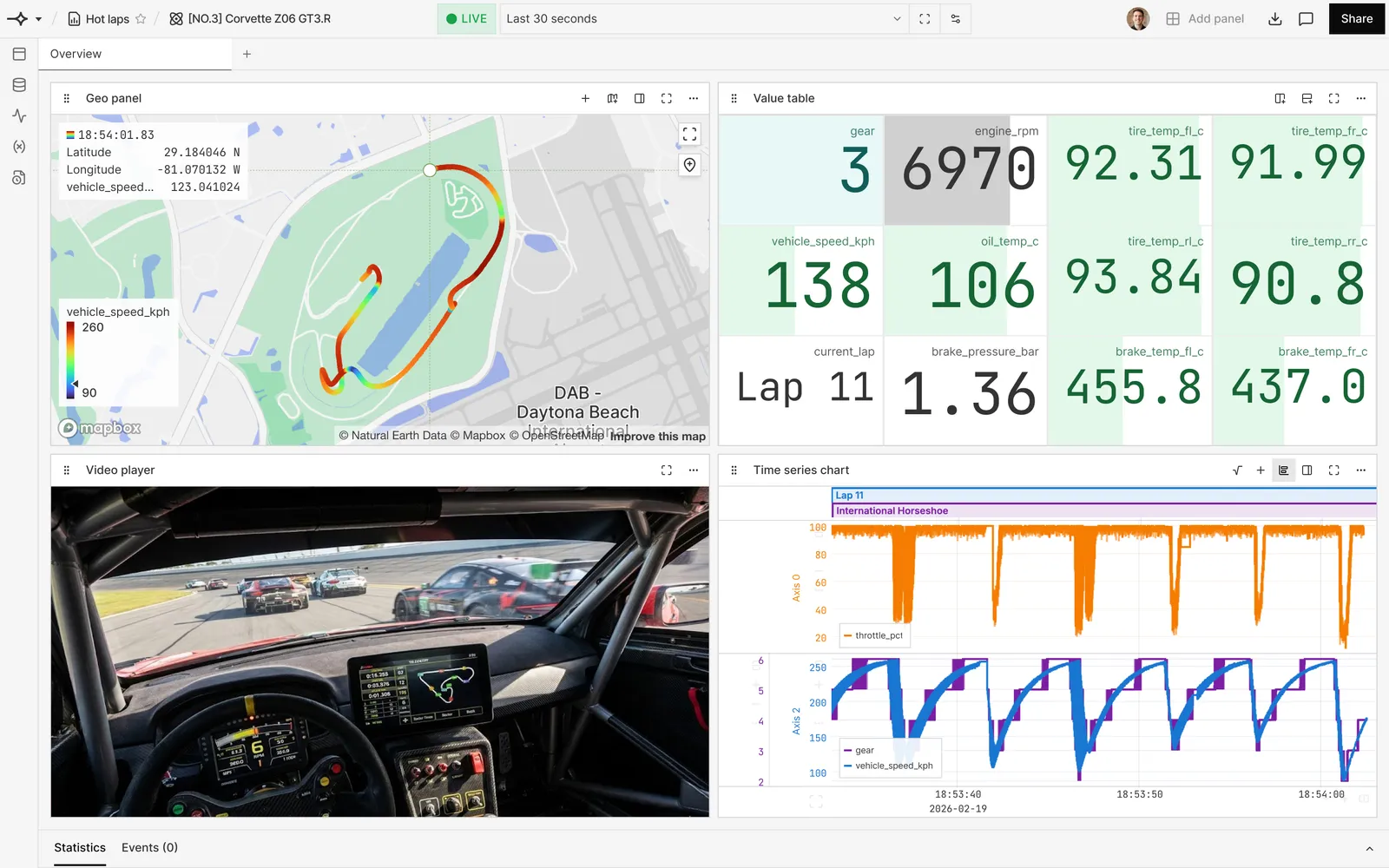
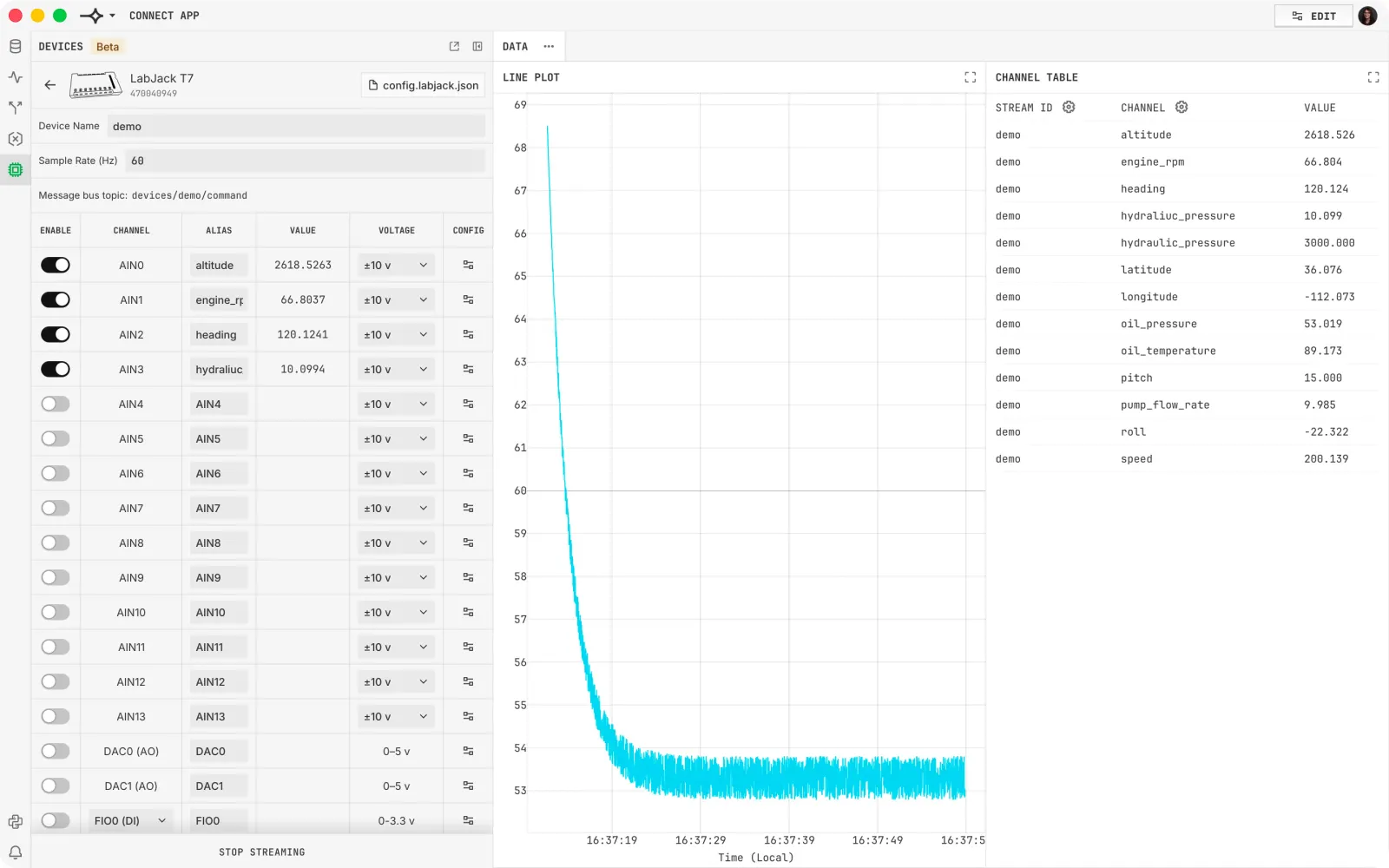
Log in to Nominal
To access the Nominal app:
-
For optimal performance, use a recent (within the last 6 months) version of a Chromium-based browser (like Chrome or Edge).
-
You can use single sign-on or create an account to log in to Nominal:
Create an account
Use single sign-on (SSO)
Create an account with your organization’s email address:
- Go to the Nominal app.
- Click Sign up.
- Enter your organization’s email address and click Continue.
- Create a secure password.
- Verify your email by checking your inbox for a verification email from Okta (
noreply@okta.com) to complete your registration.
Set up two-factor authentication (2FA) for added security using an authenticator app like Google Authenticator, Microsoft Authenticator, or 1Password. Authenticator apps can be configured by following the prompts to set up Google Authenticator.